Autoscaling lifecycle
From empty dashboard to burst node provisioned and pod scheduled. Screenshots are captured at each phase during the GCP integration test. To populate or refresh: run ./hack/integration-test-e2e-gcp.sh from cloudburst-autoscaler, then ./scripts/copy-screenshots-to-landing.sh from cloudburst-autoscaler-ui.
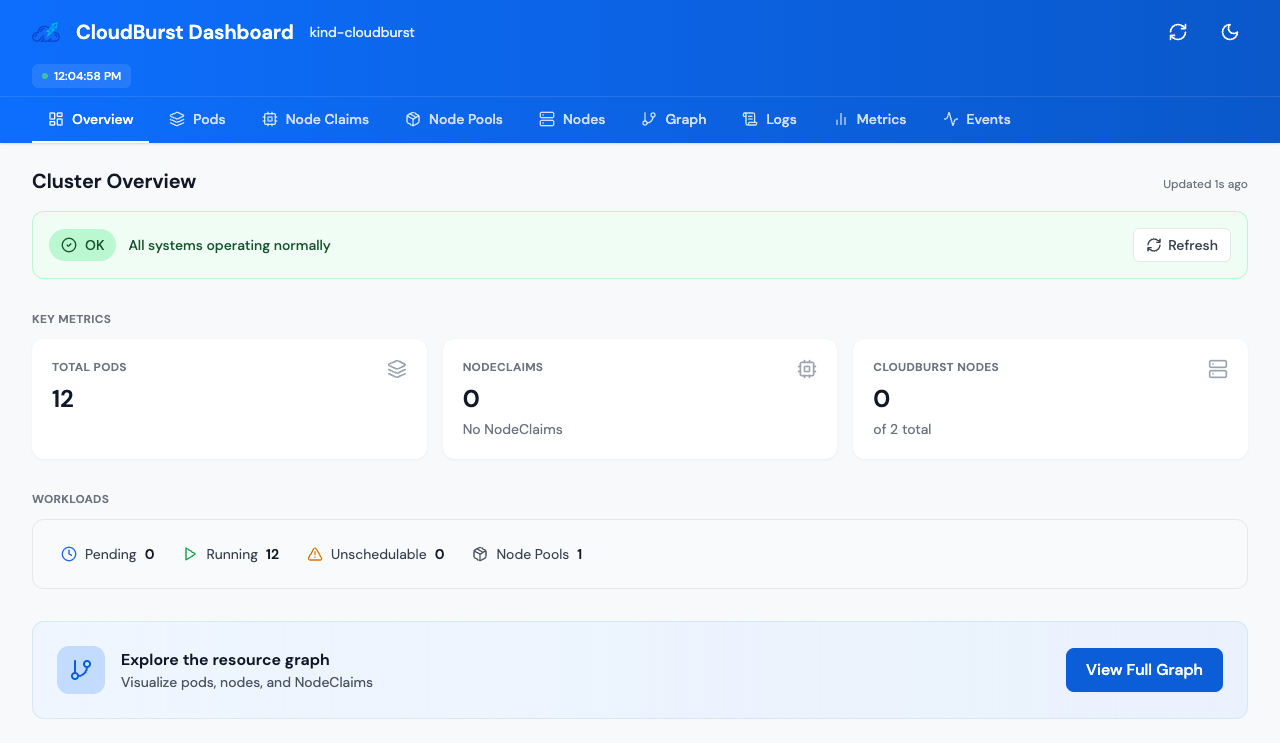
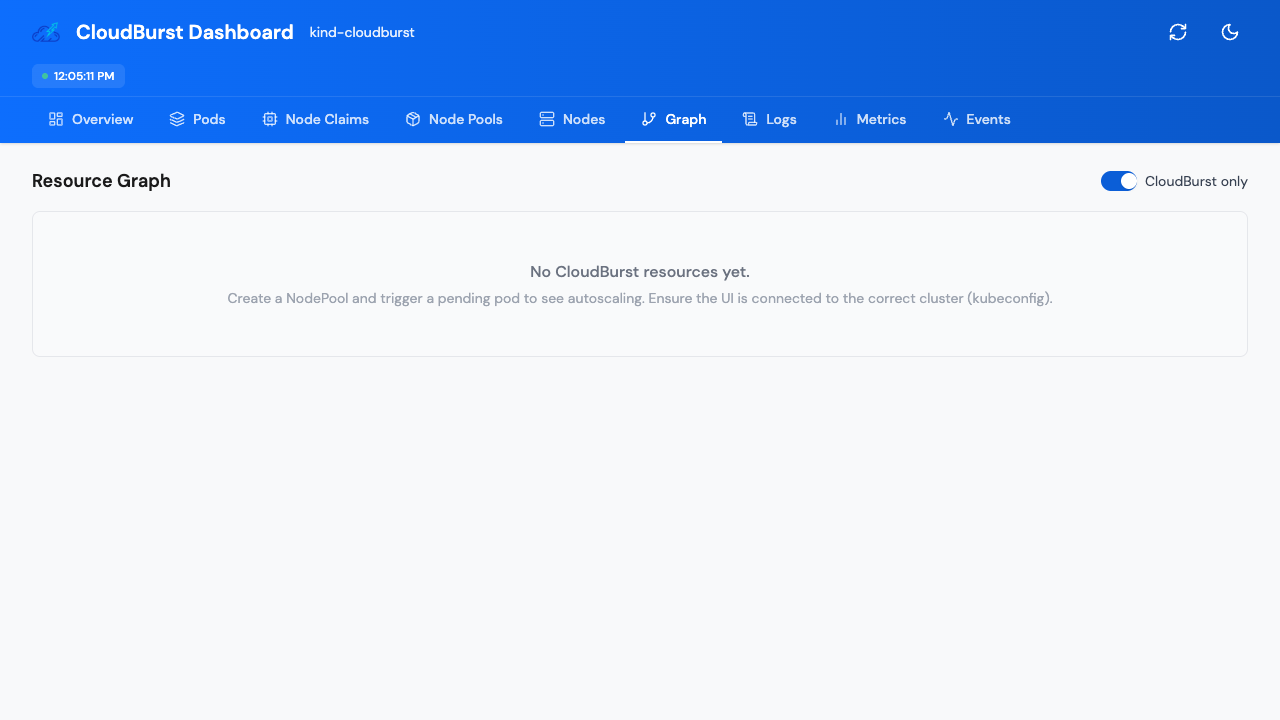
Empty
NodePool created, no pending pods, no NodeClaims. Dashboard shows zero burst resources.
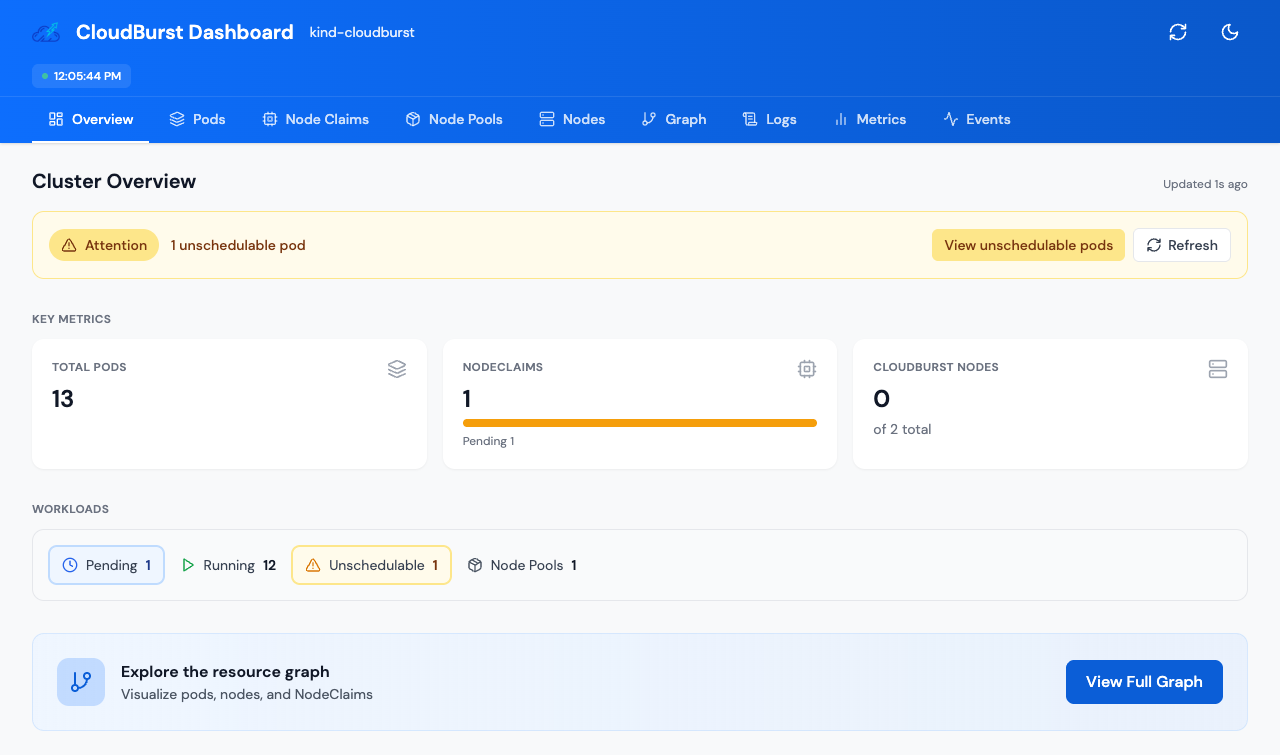
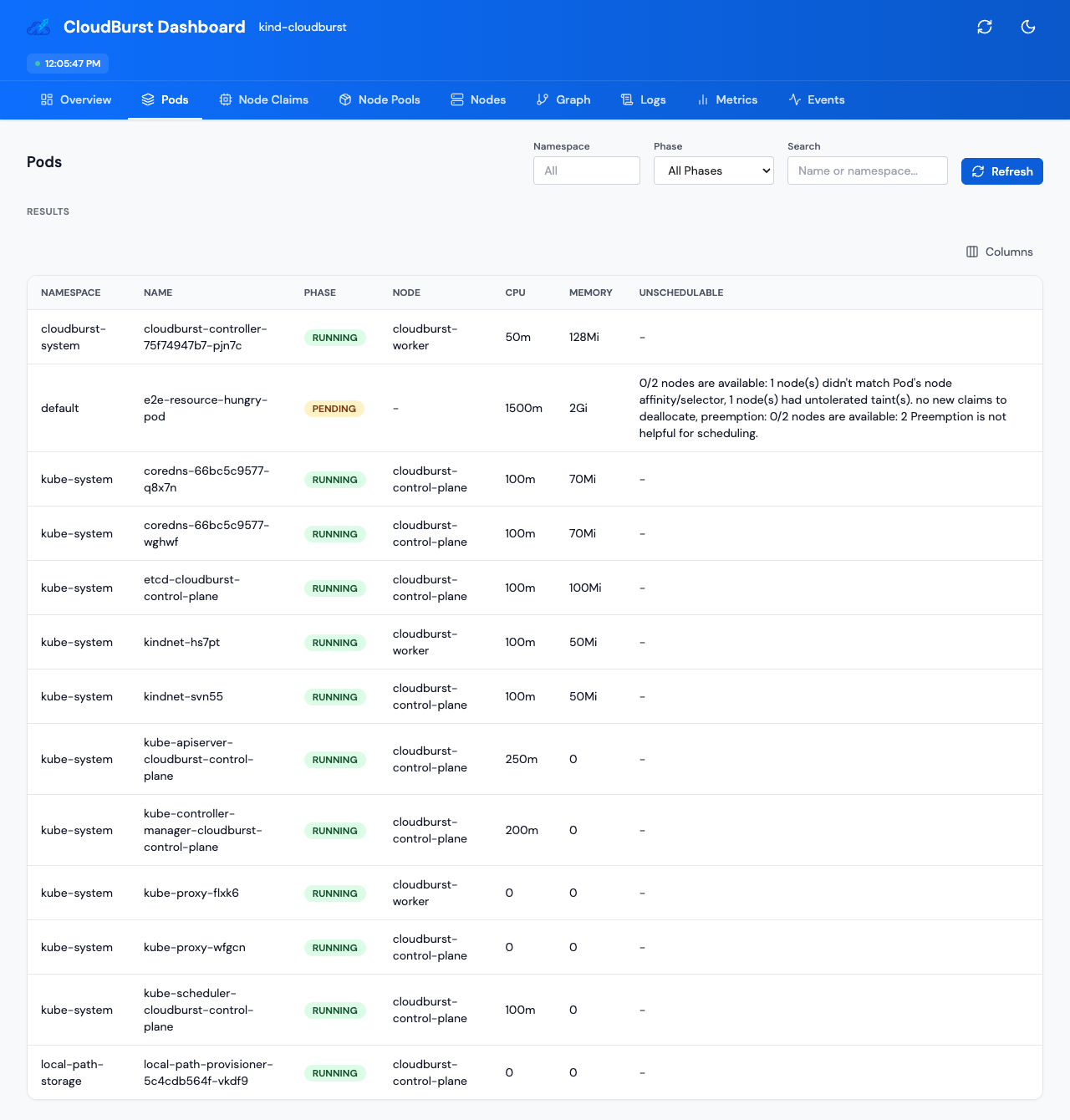
Pending pod
Unschedulable pod created (resource requests exceed existing capacity). Triggers autoscaling.
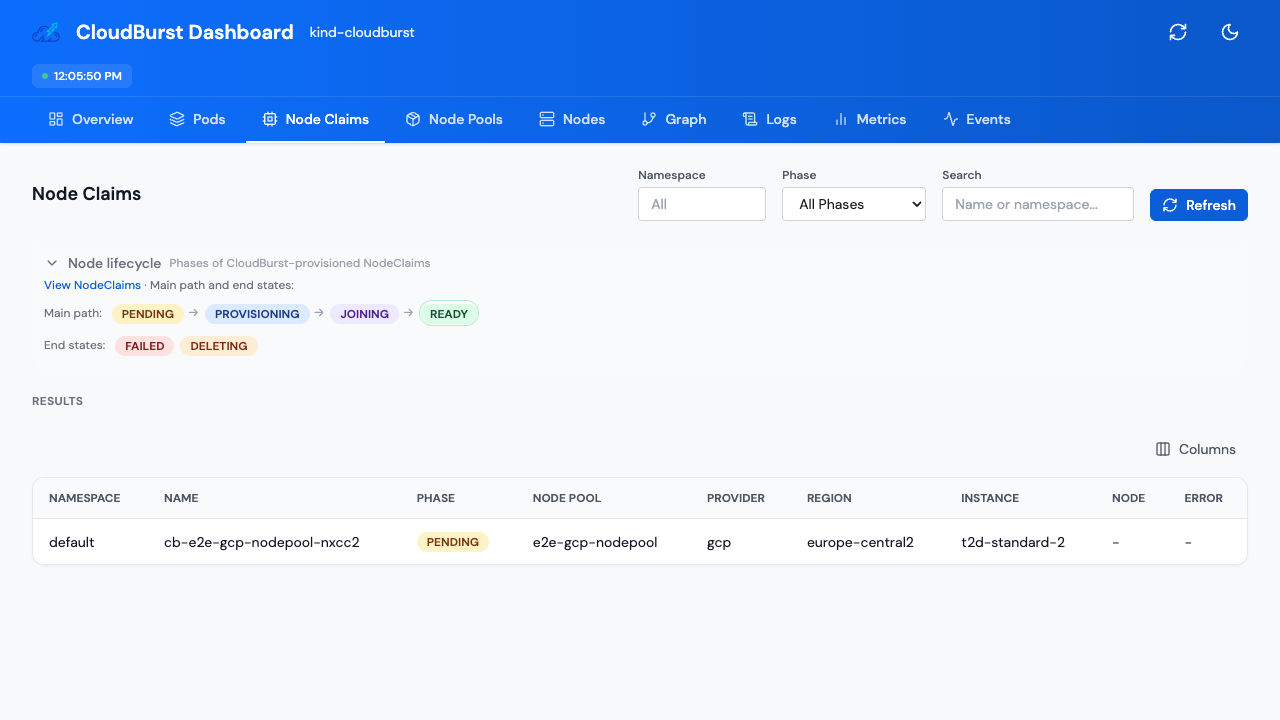
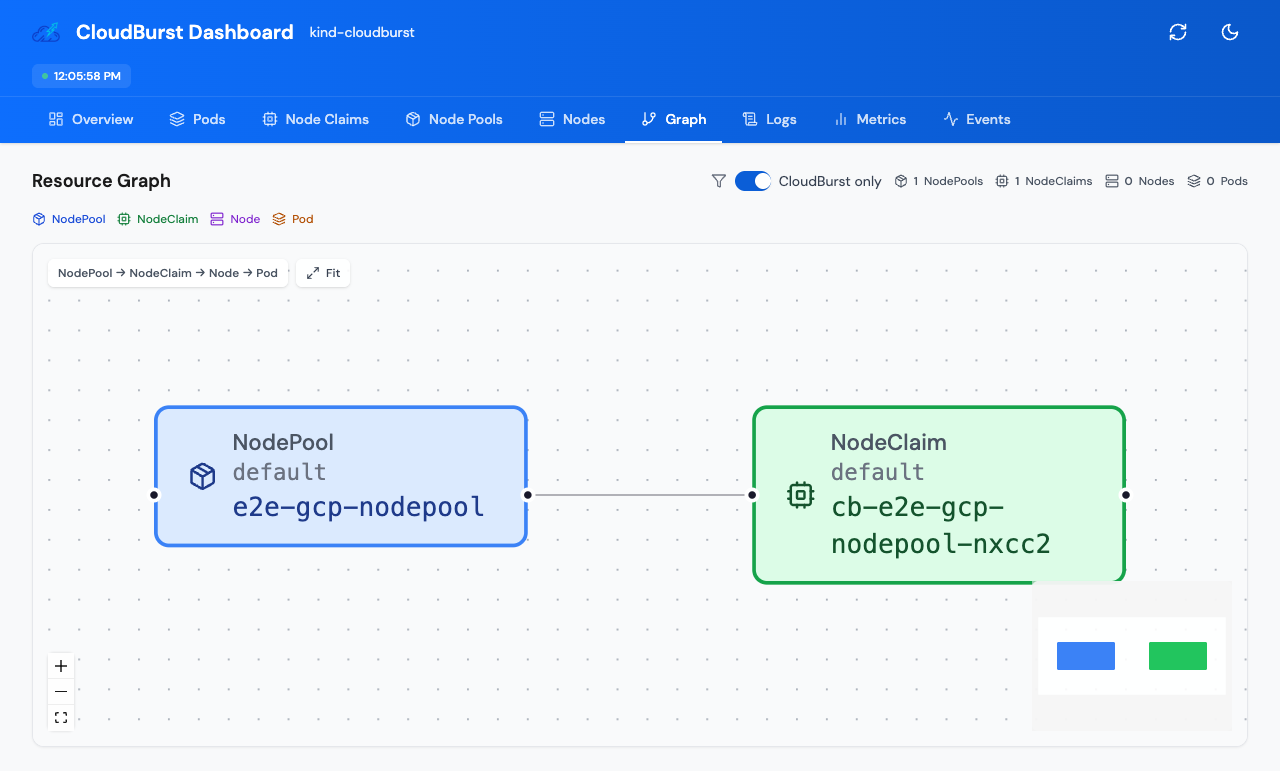
NodeClaim pending
Controller creates NodeClaim, CloudBroker recommends instance. NodeClaim in Pending phase until VM is provisioned.
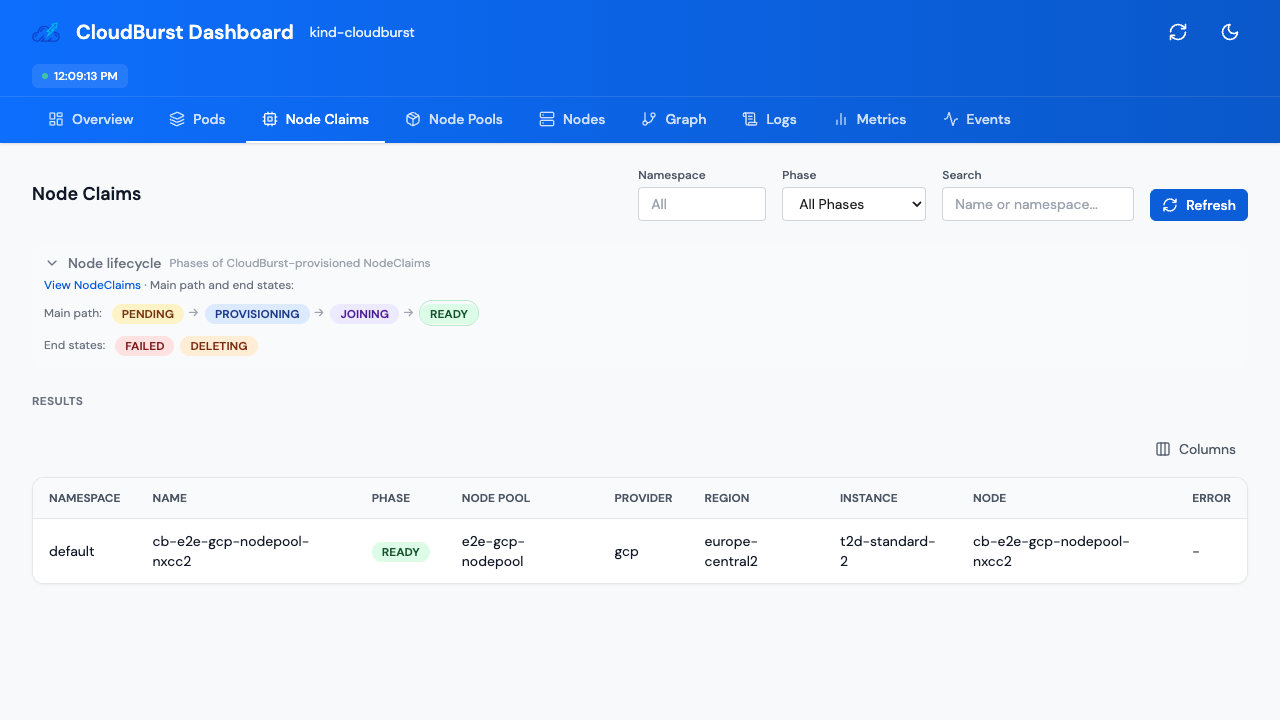
Node ready
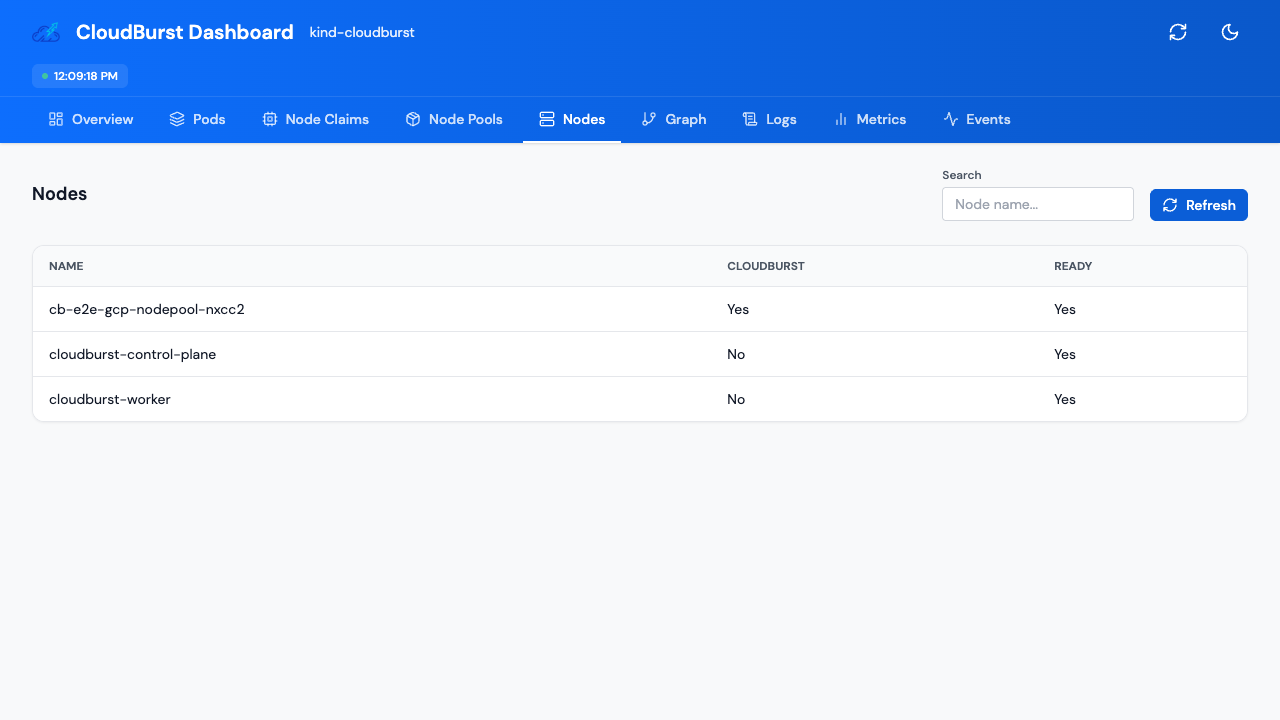
VM bootstrapped, joined via Tailscale, NodeClaim phase Ready. Node appears in cluster.
Pod scheduled
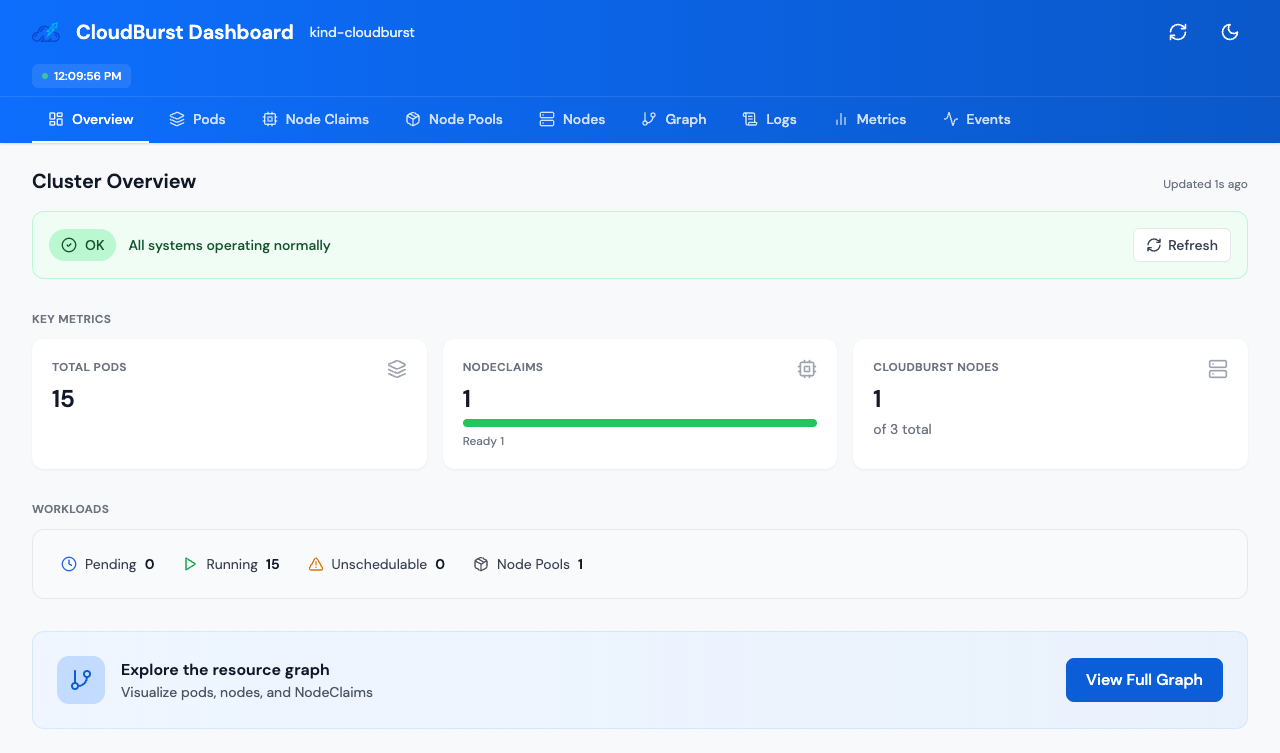
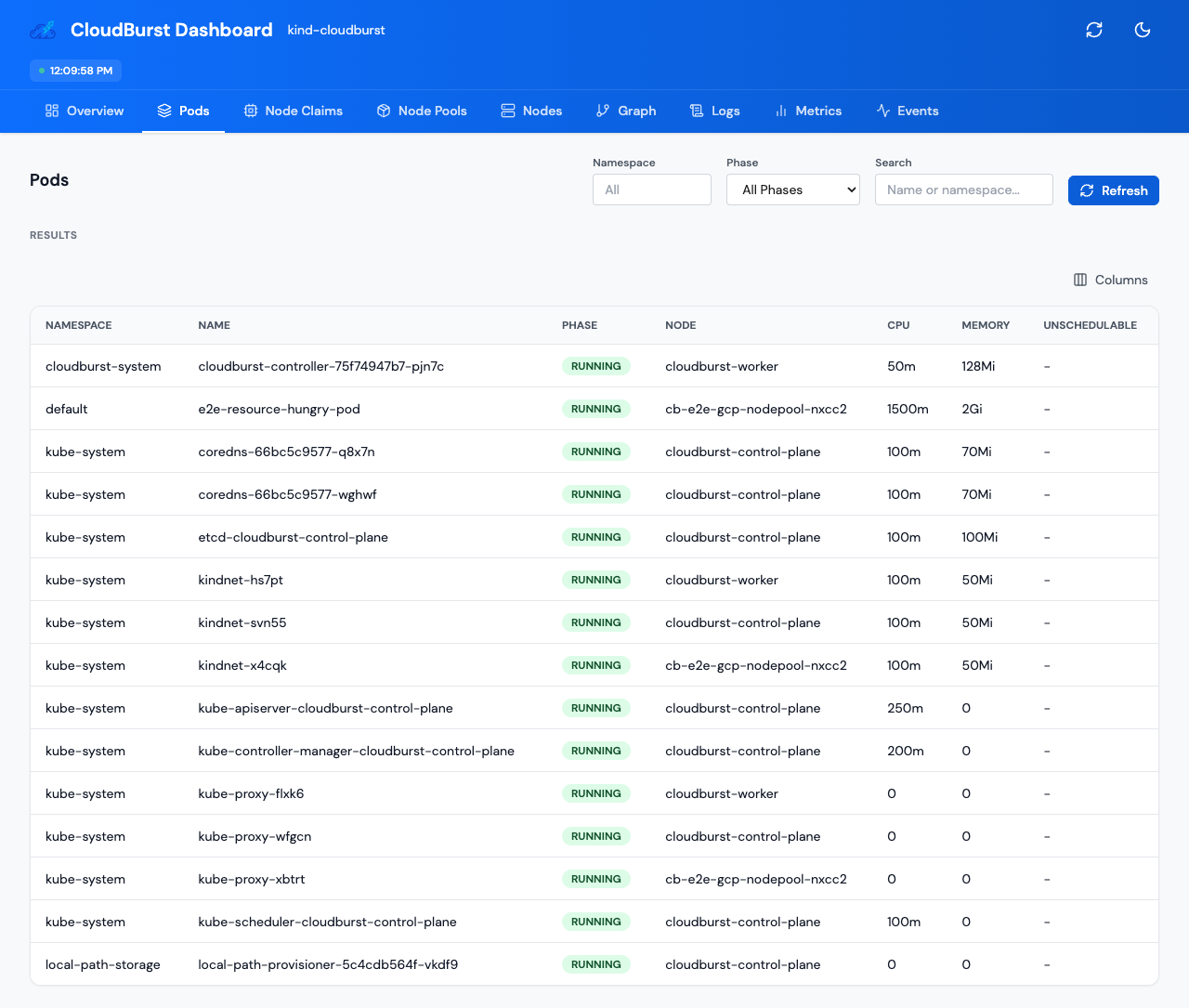
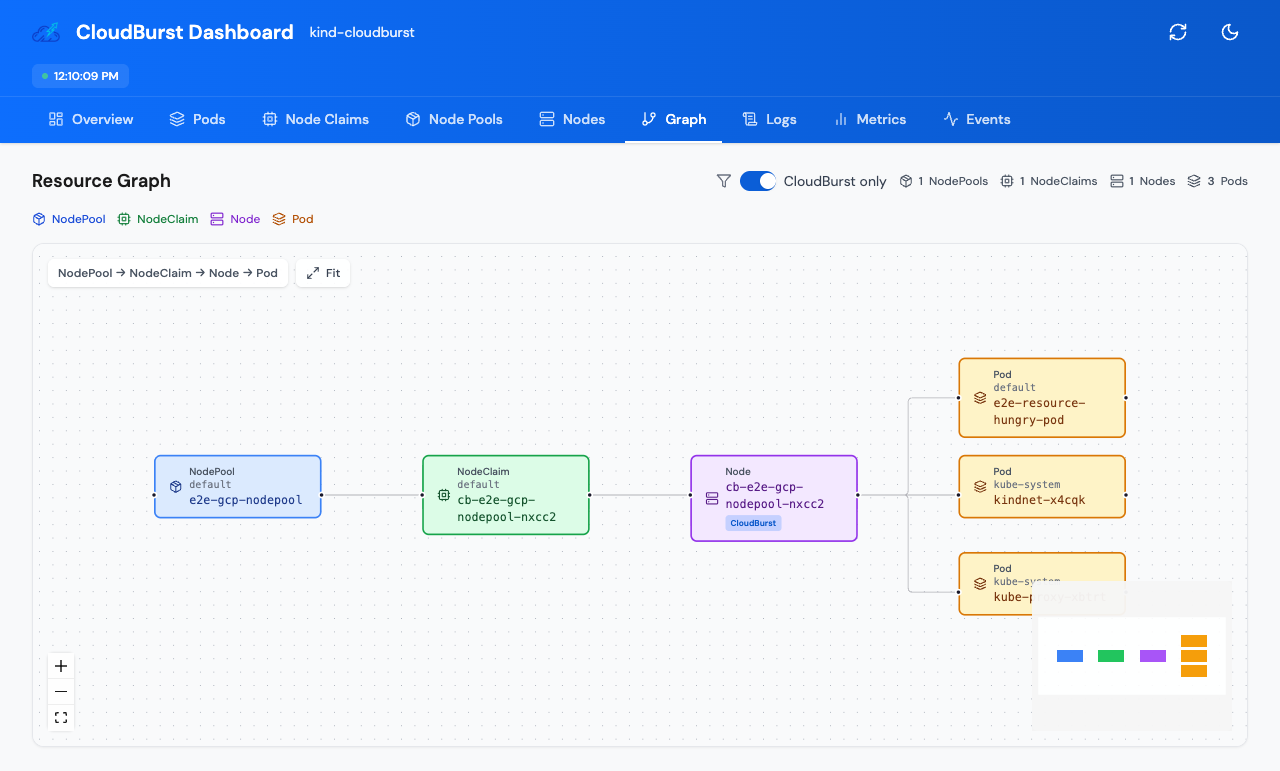
Pod scheduled onto burst node, Running. Graph shows full NodePool → NodeClaim → Node → Pod chain.
Explore further