
Advanced example
Apply & Results
Step-by-step commands and expected output.
Install CRDs, create secrets, then apply a full manifest (NodePool + NodeClass + Pod). Replace placeholders with your values. Ensure CloudBroker is running at http://localhost:8000 and Tailscale is configured.
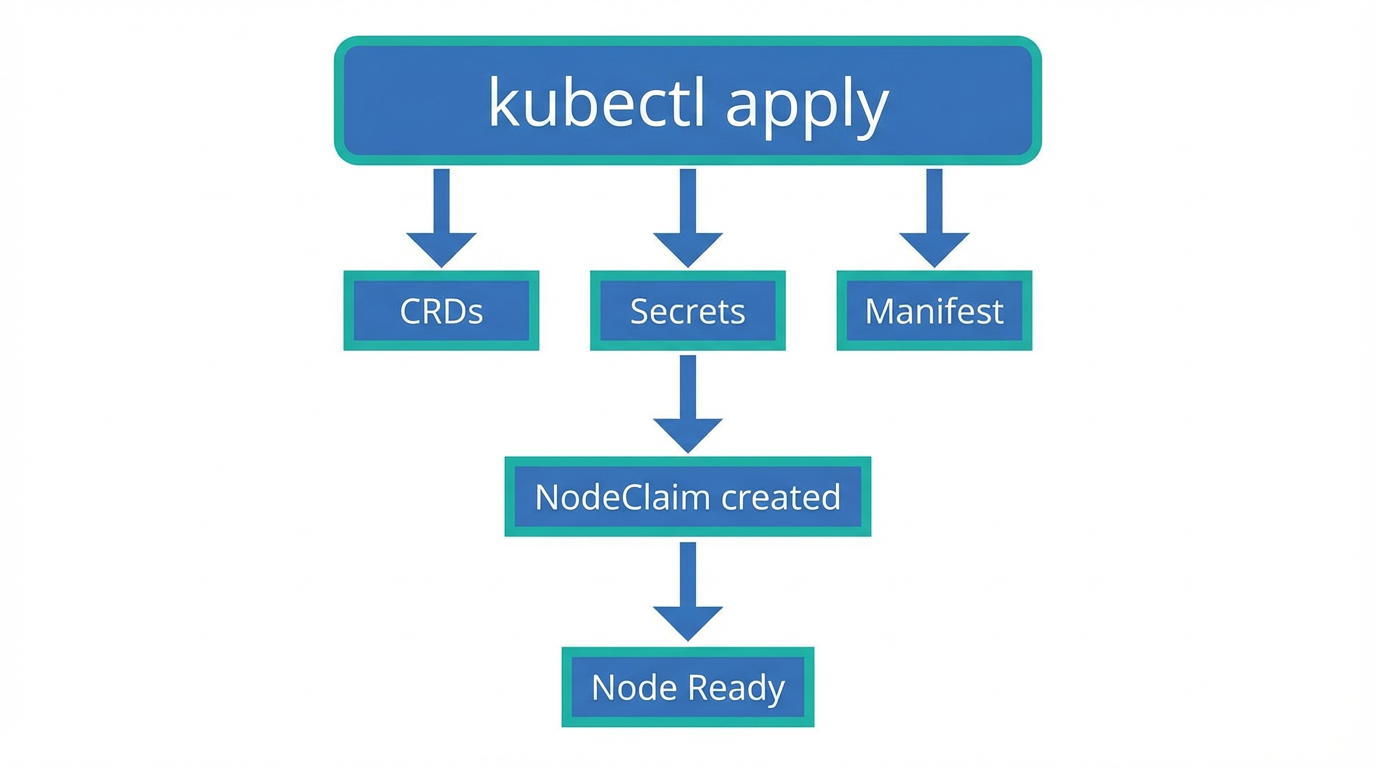
1. Install CRDs
# From the cloudburst-autoscaler repo root
kubectl apply -f config/crd/bases/
2. Create secrets
# Tailscale auth key (required by NodeClass)
kubectl create secret generic tailscale-auth --from-literal=authkey="<YOUR_TAILSCALE_AUTHKEY>" -n default

# Provider credentials (example: Scaleway)
kubectl create secret generic scaleway-credentials --from-literal=SCW_SECRET_KEY="<YOUR_SCW_SECRET_KEY>" -n default
3. Apply full manifest
# Copy the Scaleway example from example-scaleway.html into scaleway-full.yaml
# Ensure provider secret exists, then:
kubectl apply -f scaleway-full.yaml
Expected: kubectl apply output
customresourcedefinition.apiextensions.k8s.io/nodeclaims.cloudburst.io created
customresourcedefinition.apiextensions.k8s.io/nodeclasses.cloudburst.io created
customresourcedefinition.apiextensions.k8s.io/nodepools.cloudburst.io created
nodeclass.cloudburst.io/scaleway-nodeclass created
nodepool.cloudburst.io/scaleway-nodepool created
pod/scaleway-workload created
Expected: kubectl get nodeclaims
NAME                    NODEPOOL            PROVIDER   REGION     INSTANCE TYPE   PHASE     AGE
scaleway-nodepool-xxxx   scaleway-nodepool   scaleway   fr-par-1   DEV1-M          Running   2m15s
Expected: kubectl get nodes
NAME                          STATUS   ROLES    AGE   VERSION
scaleway-nodepool-xxxx-xxxxx   Ready    <none>   2m    v1.34.3